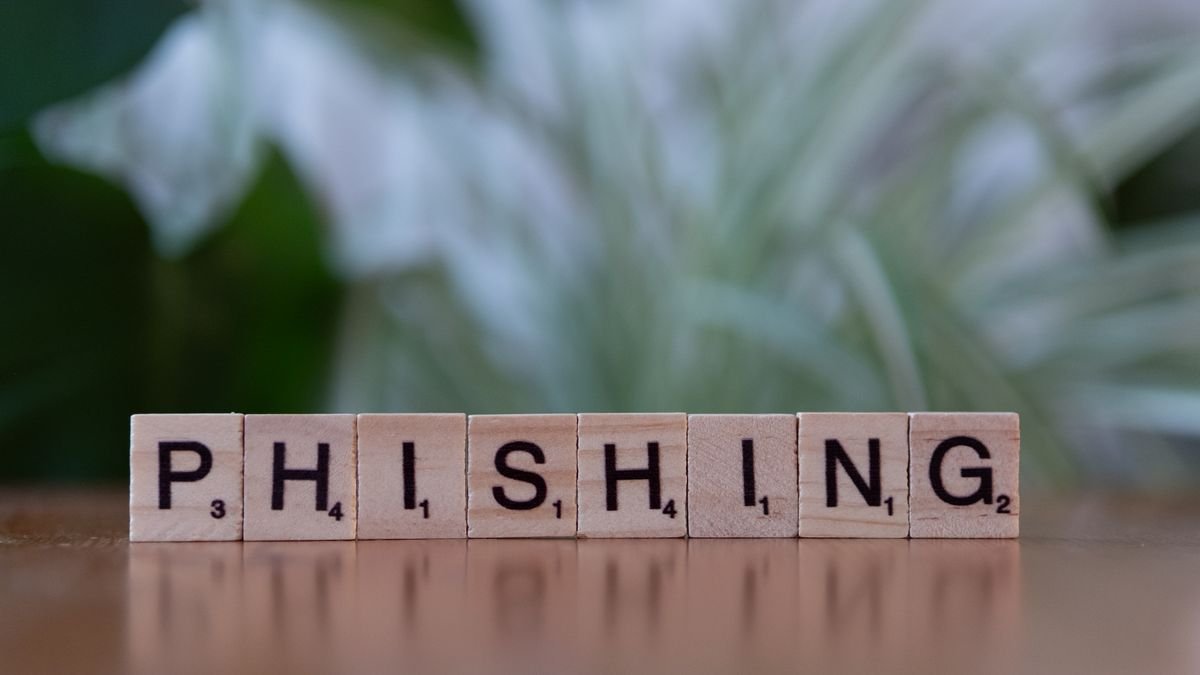
Phishing is a scam that pretends to be a trusted party, such as a bank, courier, marketplace, tax office, or regular supplier, to get victims to open a fake link, hand over login details, or send money. Business owners are frequent targets because they hold access to bank accounts, apps, and customer data.
Common scams
- Fake courier messages: claiming a parcel failed to deliver and asking you to open a link or install an app.
- Fake bills or invoices: a PDF attachment or payment link that looks like it comes from a supplier, with the bank account number changed.
- Account verification requests: posing as a bank, digital wallet, or email provider and asking for an OTP code or password.
- Partnership offers or large orders: fake buyers who send a form link or a fake transfer receipt.
- Messages from the boss or a colleague: an account impersonating a manager and asking for an urgent transfer.
Signs of a phishing message
- Urgent and pressuring: a short deadline, threats of account suspension, or a prize that is only valid today.
- Mismatched sender: a similar email address or number that differs by one letter, or a free email domain used by an official organization.
- Suspicious links: hover over the link (or long-press on a phone) to see the real address. Beware of shortened links and addresses with odd extra words.
- Requests for sensitive data: passwords, OTP codes, PINs, or card numbers. Legitimate organizations do not ask for these by chat or email.
- Unexpected attachments: especially zip files, apk files, or documents that ask you to enable macros.
- Odd language and appearance: typos, blurry logos, or unnatural grammar, although some scammers are now polished.
What to do when you get a suspicious message
- Do not click links or open attachments. Open the official site or app directly by typing the address or using the app you already installed.
- Confirm through another channel. If a supplier changes their bank account number, contact them on the number you saved earlier, not the one in the message.
- Never share an OTP code with anyone, including people who claim to be staff.
- Report and block the sender, then delete the message.
Habits that reduce risk
- Turn on two-step verification for email, social media, and financial apps.
- Apply a two-person rule for large payments or changes to the destination account: one person prepares, one person checks.
- Keep your operating system and apps updated, and use a malicious link blocker where available.
- Give employees short, regular training with real examples of fake messages.
- Install apps only from official app stores.
If you already clicked or gave out data
- Disconnect the device from the internet if you installed a suspicious file.
- Change the passwords of affected accounts from a safe device, and sign out all active sessions.
- Contact your bank or digital wallet provider to block cards or accounts if financial data was exposed.
- Check your account statements, email forwarding settings, and unfamiliar login activity.
- Tell customers or partners if your account was used to send fake messages.
- Report the incident to the relevant authorities or complaint channels.
Conclusion
Phishing relies on panic and habit. Pause, verify through another channel, and never share an OTP code. Those three habits alone stop most scam attempts.